Install guide
Fit your camera lens protector in four steps.
Camera Lens Protector Install Guide
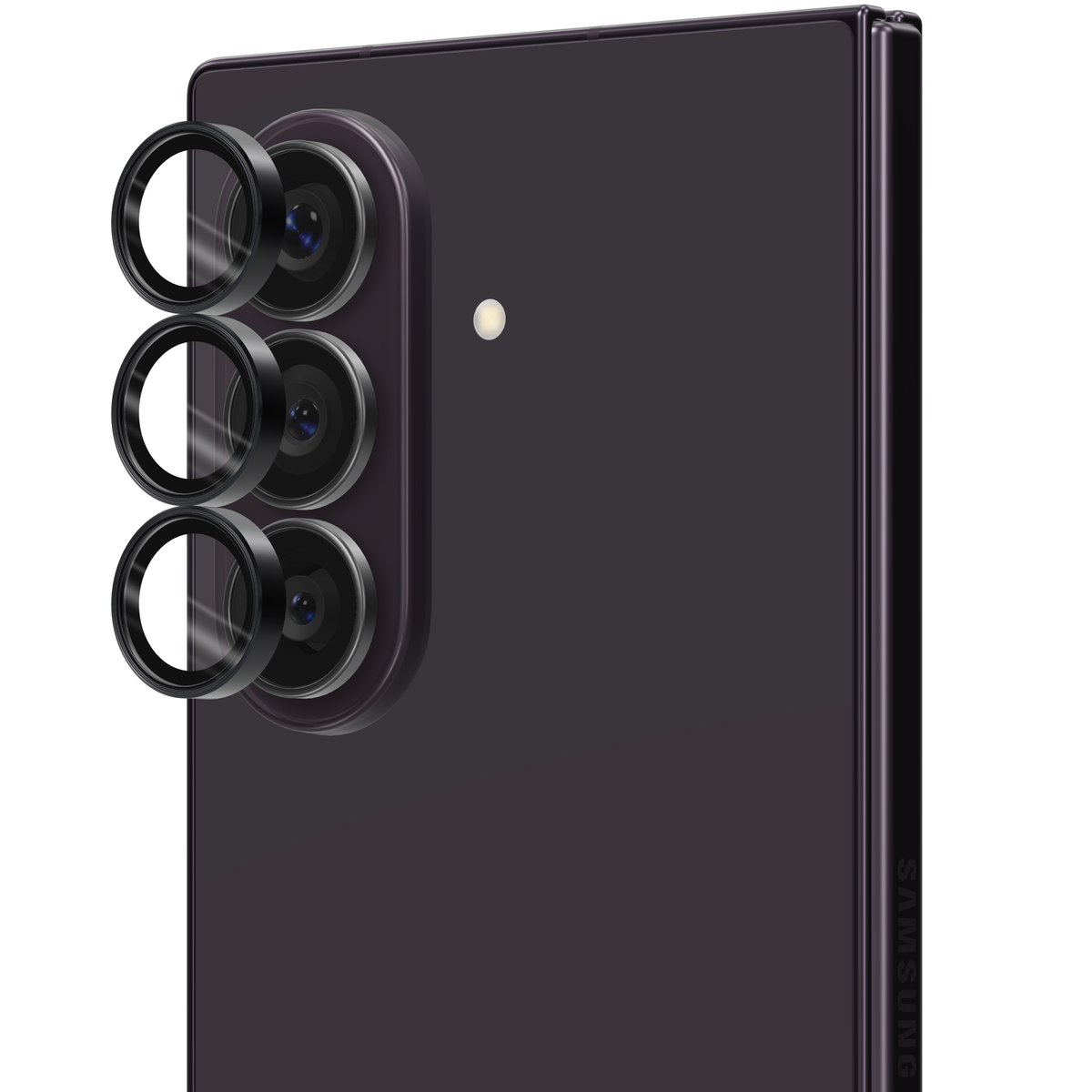
Each ring comes seated in an install frame, so it lands centred on its own lens. Follow the photos below and you are done in about two minutes.
Which phone do you have?
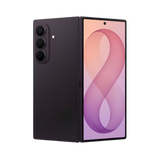
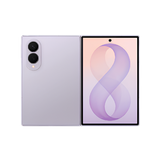
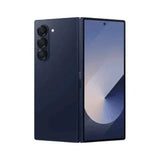
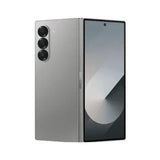
Showing the guide for Galaxy Z Fold 8 Ultra
Watch it done
Line up, press, peel: the whole install in one take.
The frame sits over the camera island, you press each ring onto its lens and peel the frame away. Fifteen seconds, no guesswork.
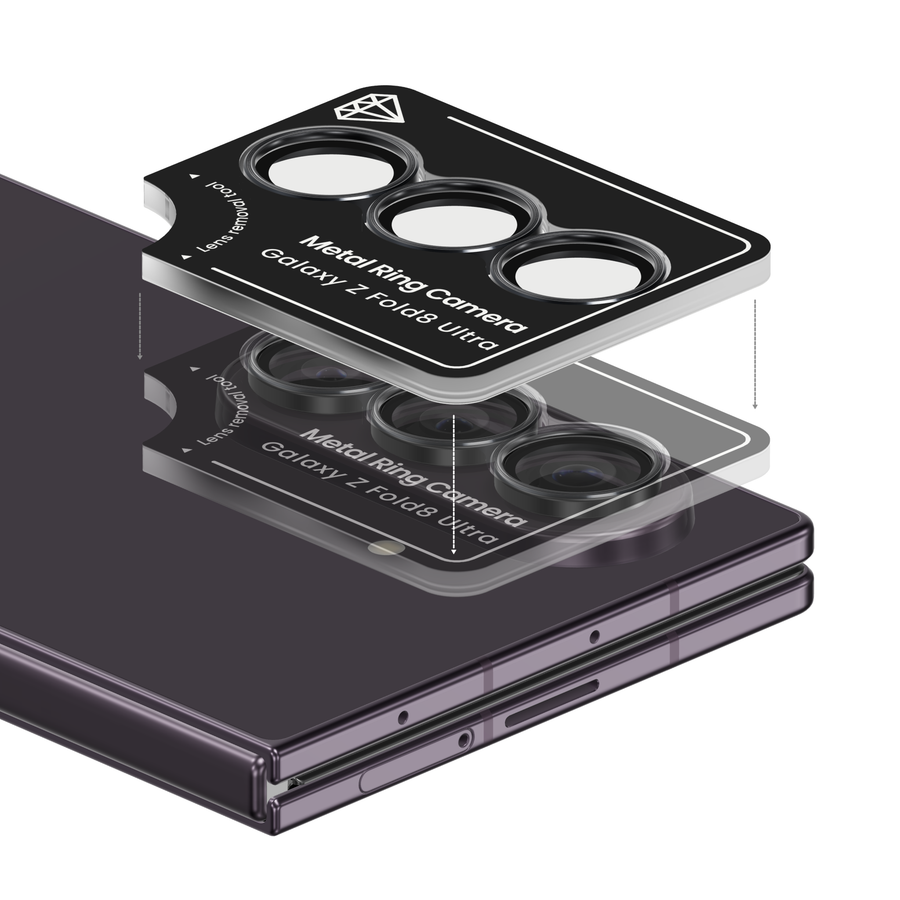
What's in the box
The rings arrive seated in their frame.
No loose rings to line up by eye. The install frame holds every ring over its own lens until you press it on.
- 1×Set of tempered-glass lens rings, one per camera lens
- 1×Install frame with the rings pre-seated
Before you start
Thirty seconds of prep keeps every ring clear.
A fingerprint sealed under the glass stays there. Wipe each lens, lift the dust, and only then reach for the frame.
Wipe every lens
Clean each camera lens with a microfibre or lint-free cloth until it is spotless. A smudge sealed under a ring stays there for good.
Lift every speck
Check each lens edge in good light and dab any speck away with a piece of tape or a dust-removal sticker. Dust trapped under a ring can blur that lens.
Work in good light
Sit at a table under a bright lamp so you can see every lens edge, and take your case off: the frame aligns on the bare camera island. Put the case back on once the rings are on.
The install
Four steps. One frame. Done.
Clean the lenses, line up the frame, press each ring, peel the frame away. The photos show the frame on your model, in your hands.
-
1Step 1 of 4 Galaxy Z Fold 8 Ultra
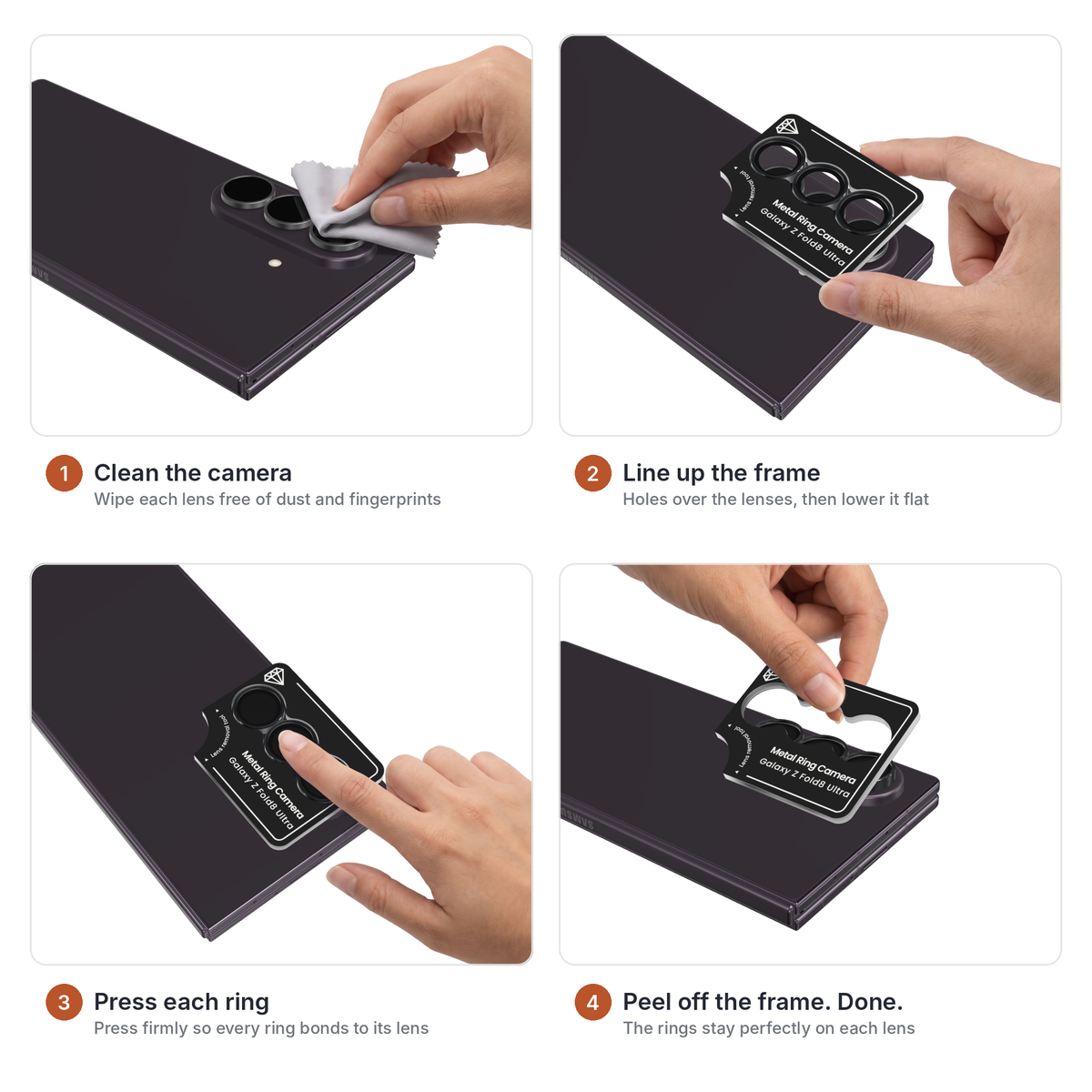
Clean the camera
Wipe each lens with a lint-free cloth until it is free of dust and fingerprints, then check it against the light. Anything left on the lens is sealed under the glass once the ring is on.
TipFrom here on hold the phone by its edges so you do not touch the lenses again. -
2Step 2 of 4 Galaxy Z Fold 8 Ultra
Line up the frame
Hold the frame by its edges with the rings facing the camera. Line the holes up over the lenses and lower the frame flat onto the camera island until it sits level.
TipThe frame is cut for your model. If it rocks, lift it off and check that every hole sits over a lens. -
3Step 3 of 4 Galaxy Z Fold 8 Ultra
Press each ring
Press firmly on each ring for a few seconds so its adhesive bonds to the lens housing. Press straight down, one ring at a time, and keep the frame still.
TipUse the pad of your finger, not a nail. The glass is 9H hard; it is the aluminium ring you are seating. -
4Step 4 of 4 Galaxy Z Fold 8 Ultra
Peel off the frame. Done.
Lift one corner of the frame and peel it away. The rings stay on each lens, centred and flush. Give them one wipe and put your case back on.
TipA ring that lifts with the frame was not pressed enough: lay the frame back down and press that ring again.
Troubleshooting
If something doesn't go to plan.
A ring is off-centre.
Lift it off straight away with a fingernail, before the adhesive sets, seat the frame over the camera again and press the ring back on through its hole.
Will the rings show in my photos or add flare?
No. Each ring covers only its own lens, the flash stays uncovered, and the glass is optical-grade with an anti-reflective coating, so colours, sharpness and autofocus stay as they were.
Will the rings fit under my case?
Yes. The rings sit only 0.6 mm proud of the lens and are sized to clear the camera cutout of most cases, including ours. Fit the rings first, then the case.
There's a bubble under a ring.
Press the ring down firmly from the centre outwards. A tiny bubble at the edge clears within a day. A speck of dust under the glass means lifting the ring, dabbing the lens clean and pressing it back on.
Can I take the rings off again?
Yes. Lift a ring at its edge with a fingernail and peel it off; the adhesive comes away without residue.
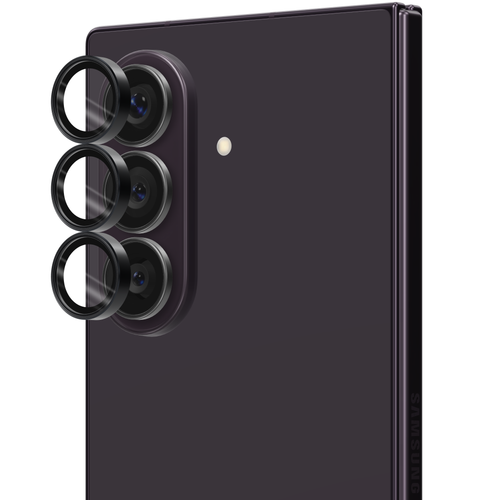
The kit in this guide
Ion Glass Lense Guard for Galaxy Z Fold 8 Ultra
Need a hand?
Stuck? We'll walk you through it.
Send us a photo of where you got to and we reply within a business day. Faulty glass is covered by our 12-month warranty.